
Now
you can take harp lessons from Stephanie Bennett from anywhere
in the world!
|
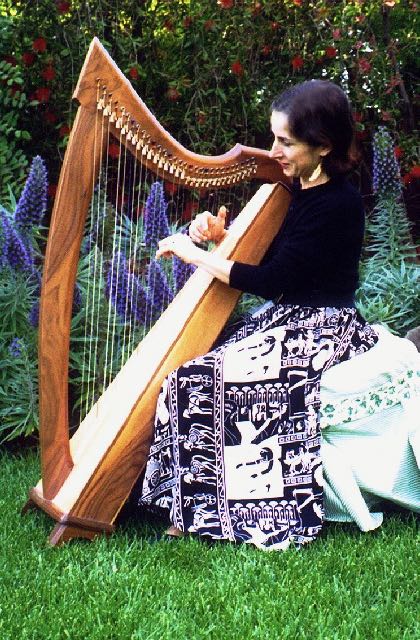
| LEVER
HARP aka CELTIC HARP |
|
| PEDAL HARP |
|
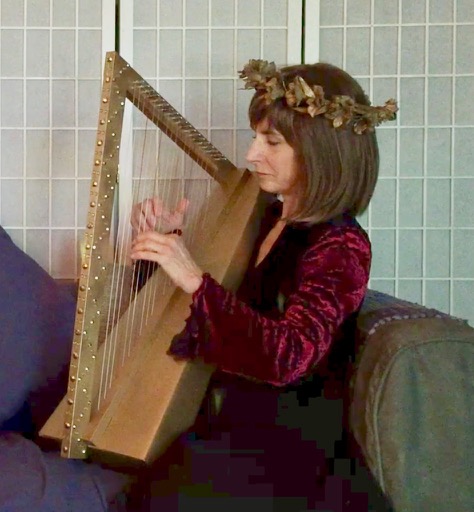
| LAP HARP |
What
you need to use SKYPE, FACETIME or ZOOM:
1. An iPad or similar tablet; or a computer with a built-in webcam (such as most laptops), or a computer with a separate webcam.
2. A fast internet connection (such as cable or FIOS; preferably not DSL).
3.
To
use Skype (any brand of device), create a free
account at Skype.com
and download the Skype
app to your phone, computer or tablet. (A larger screen
such as a tablet or computer is preferable to a phone.)
To use Zoom (any brand of device), download the ZOOM app to your computer, phone or tablet. (A larger screen such as a tablet or computer is preferable to a phone.)
To
use FaceTime,
(only if you have an Apple device), there is nothing else you
need to set up.
I am in the U.S.A. - California - Los Angeles time zone.
What time zone are you in?
Email me to see what time slots I have available, that might fit in with your schedule.
Pay for your harp lesson online
 |